iGIS - GIS for the iPhone


The wait is over! True GIS functionality is finally available for the iPhone! Your data, your maps, your iPhone!

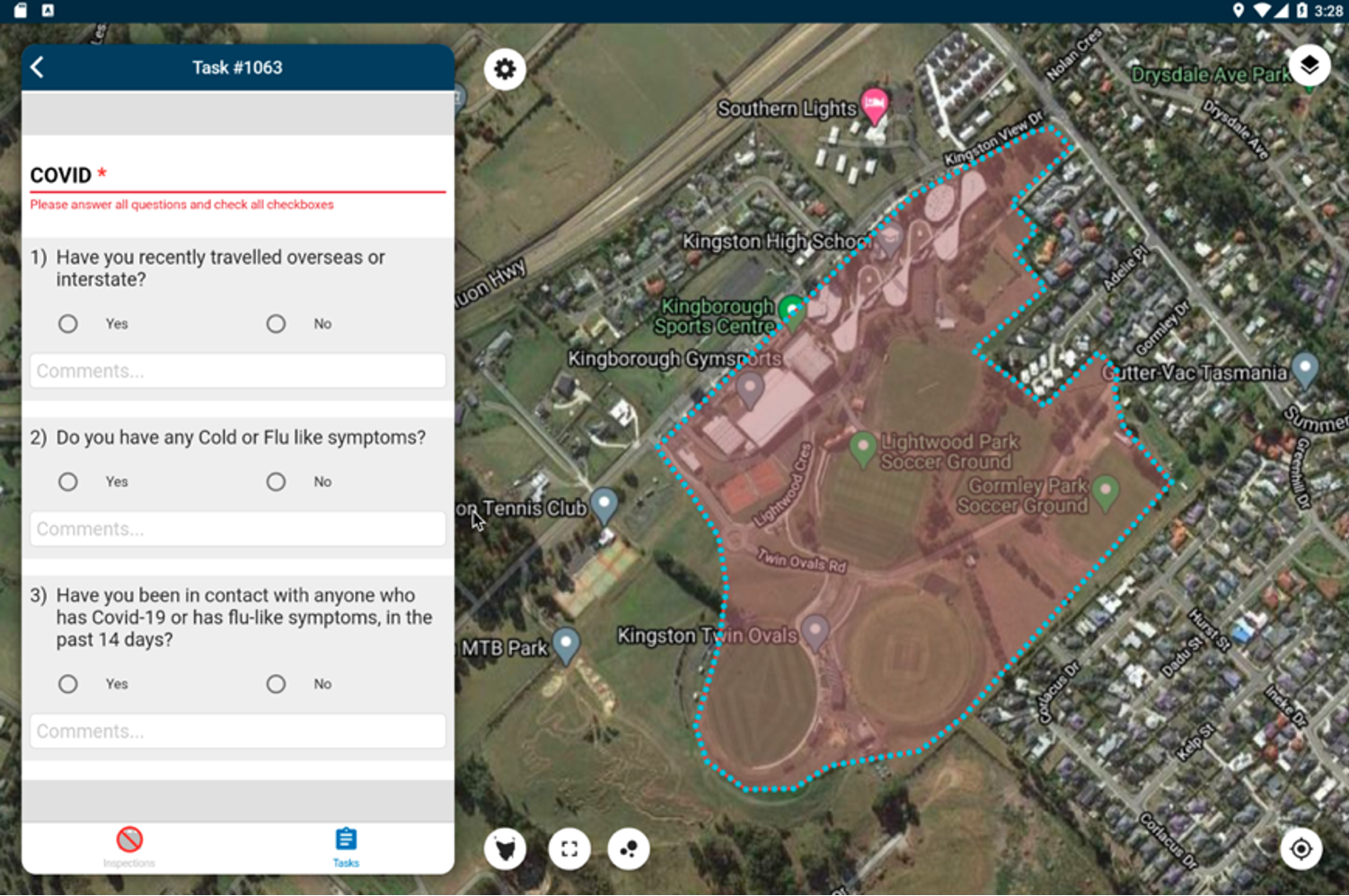
iGIS brings your spatial data to the iPhone. Overlaid on the existing built in Google maps, you can now import your spatial data and view it wherever you are.

You can add comments to your data too. A point is added with a name and description field. This data is exported as an ESRI shapefile for your use back in your enterprise.

  • Great speed, using our multi-threaded map renderer.
  • Import and export using ESRI Shapefiles.
  • Shows current GPS location on iPhones.
  • Select and interrogate layer information via a point and click.
  • Shows the selected data on the map.
  • Show current coordinate in any chosen projection.


Importing data is easy with our unique data import facility available for Macs, PC’s and Linux. Just point your browser at the iPhone’s URL and the import process starts. Your spatial data is stored on the iPhone, so there’s no need for an Internet connection to see your data – great for field work. We also support over 3000 projections, so no need for conversion.
 
We include support for multiple layers or points, lines or polygons – all styled as you like.
 

Look at the list of other features:
 
1.       Great speed, using our multi-threaded map renderer.
2.       Support for large datasets.
3.       Import and export using ESRI Shapefiles.
4.       Shows current GPS location on iPhones
5.       Zoom to current location
6.       Zoom to data extent
7.       Pan, zoom in, zoom out on maps
8.       Changeable drawing styles for a layer: size, color, transparency
9.       Can arrange layer order and turn layers on/off easily
10.   Can set the zoom scale for a layer via a simple slider
11.   Select and interrogate layer information via a point and click
12.   Shows the selected data on the map
13.   Show current coordinate in any chosen projection
 
**** A Wi-Fi network is required to import or export data ****
 
This application is designed for GIS professionals and an understanding of some basic GIS concepts such as layers, shapefiles, projections etc, would make using iGIS simpler. Please let us know if concepts in iGIS are unclear.
 
This is the first public release of iGIS and we need your help. Even though we believe it is extremely useful as is, we know there’s a lot more functionality that we haven’t included. Let us know what features you’d like to see added or improved.